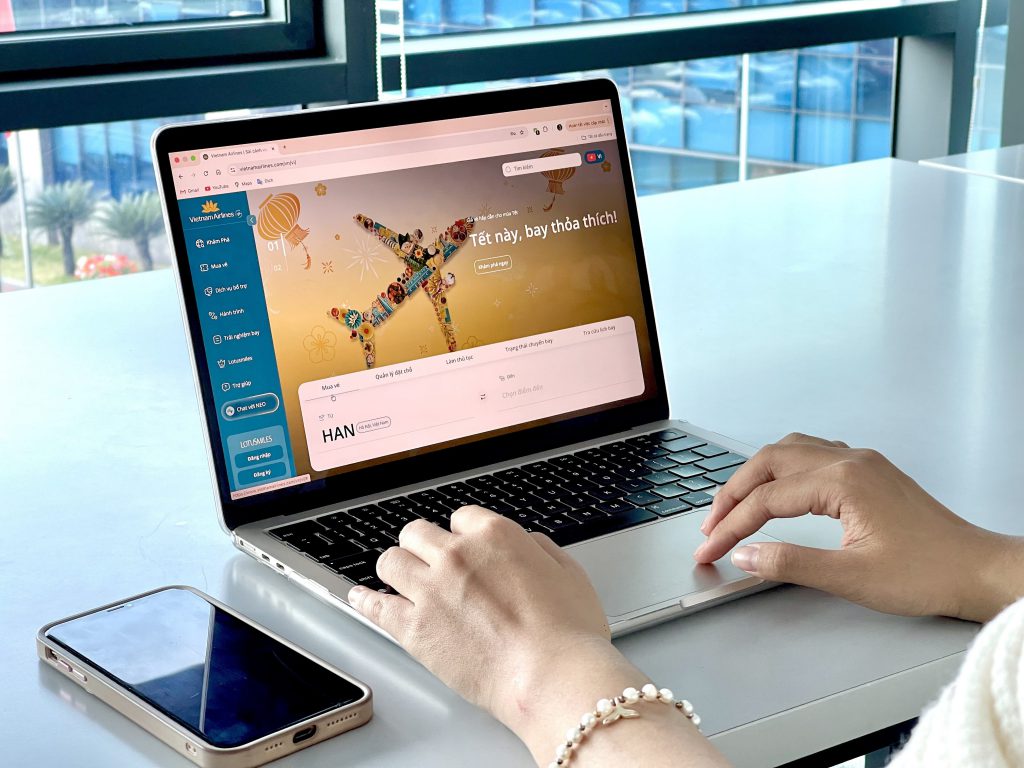
With just 05 simple steps, passengers can now request an auto-refund to their account on the Vietnam Airlines website.

Step 1:
Visit the Vietnam Airlines website, go to Manage booking, and select Refund/Auto refund to account.
Step 2:
Enter your Passenger Name Record (PNR), Last name, and Email address, then click Search. The system will display passenger’s information and the ticket number.
Step 3:
Select the passenger information/ticket number to be refunded then click Continue (If the PNR includes an infant or travel insurance, the auto-refund system will reimburse all customers in the PNR).
Step 4:
Verify your refund details. Check the box Accept refund terms and conditions and click Refund.
Step 5: Refund
The system will display a message indicating a successful refund and send a confirmation email to your email address with detailed refund terms and duration per Vietnam Airlines’ regulations.
Note:
Applicable to:
- Unused tickets purchased online via Vietnam Airlines’ website or mobile application, with the exception of tickets purchased through the following payment methods: POS (Counter TCB, VCB, Airpay, Payoo), Konbini, Cash & Mile. In these cases, please contact our customer service center or send an email to: onlinesupport@vietnamairlines.com
- All domestic and international routes, except for Rail & Fly ticket combo, and flights from/to the United States.
- Tickets purchased from June 28th, 2022 onwards.
- The refunded amount will be credited back to your bank account within 10 working days.